Tags
Tags are labels you add to transactions on top of their category. A transaction can have any number of tags. They're useful for things that cut across categories, like a trip, where the hotel, meals, and gas each have their own category but share a "Vacation" tag.
Each tag has a name and a color.
Using tags
Add tags to a transaction from the table or its details drawer. Then use them to:
- Filter transactions on the Transactions page
- Filter or break down dashboard widgets by tag
- Match transactions in rules, or add tags with a rule's Set tags action
Managing tags
Manage tags on the
Tags page in Settings. The table lists each tag's color, name, and how many transactions use it.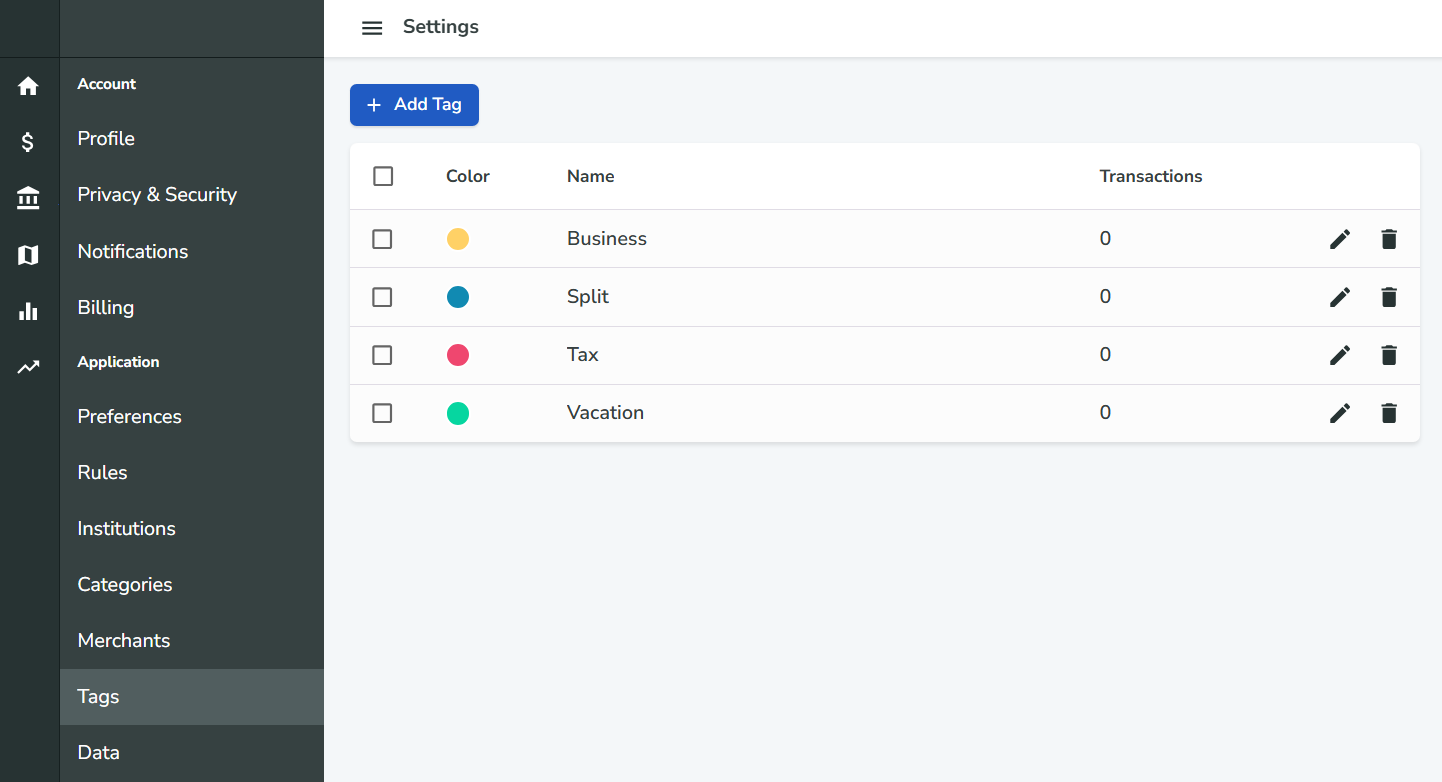
- Click Add Tag to create one.
- Open a tag's menu to Edit its name or color, Randomize Color, or Delete it.
- Select several tags to Randomize Colors or Delete them together.