Deleting your data
The
Data page in Settings has two options. One clears your financial data and keeps your account. The other deletes your whole account. Neither can be undone.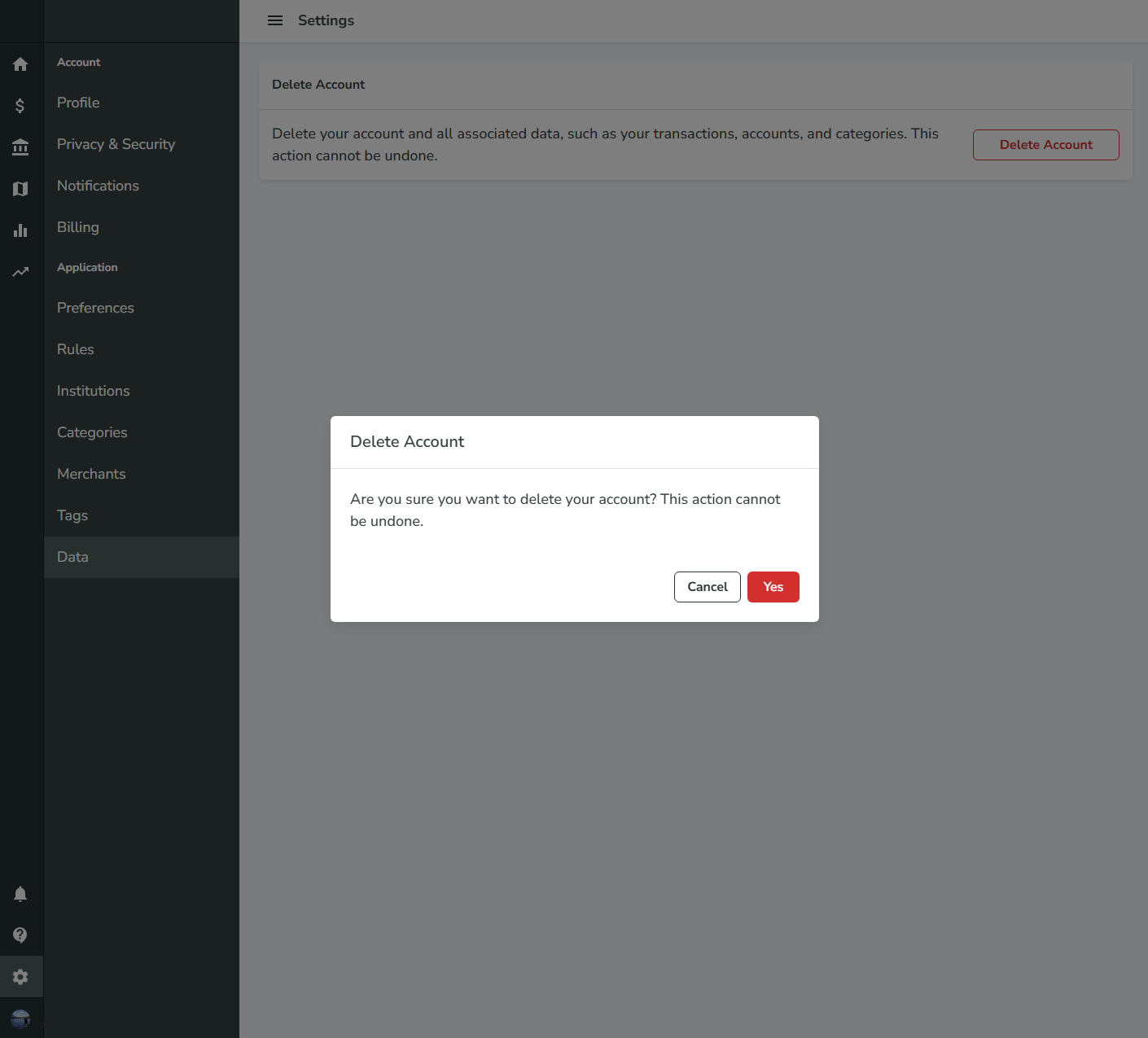
Delete all data
Delete all data removes your accounts, transactions, merchants, and budgets, and disconnects any linked banks. Use it to start over, for example after trying Bigger Piggy with sample data.
These are kept:
- Your login
- Your subscription
- Your dashboards
- Your default categories
Delete your account
Delete Account permanently removes your account and everything in it, including transactions, accounts, budgets, and categories. Bigger Piggy also removes your data from partners like Plaid and Stripe, which cancels your subscription.
Keeping a copy
To save your transactions before deleting anything, use Export to CSV on the Transactions page. To save balance history, use Download Account Balances on the Accounts page.