Merchants
A merchant is the business or person on the other side of a transaction, like a grocery store or your landlord. Merchants let you see who your money goes to, not just what it was for.
Merchants are optional. A transaction doesn't need one.
Where merchants come from
Transactions imported from a linked bank create their merchants on their own. You can also add a merchant yourself, or create one while editing a transaction or importing a CSV file.
Managing merchants
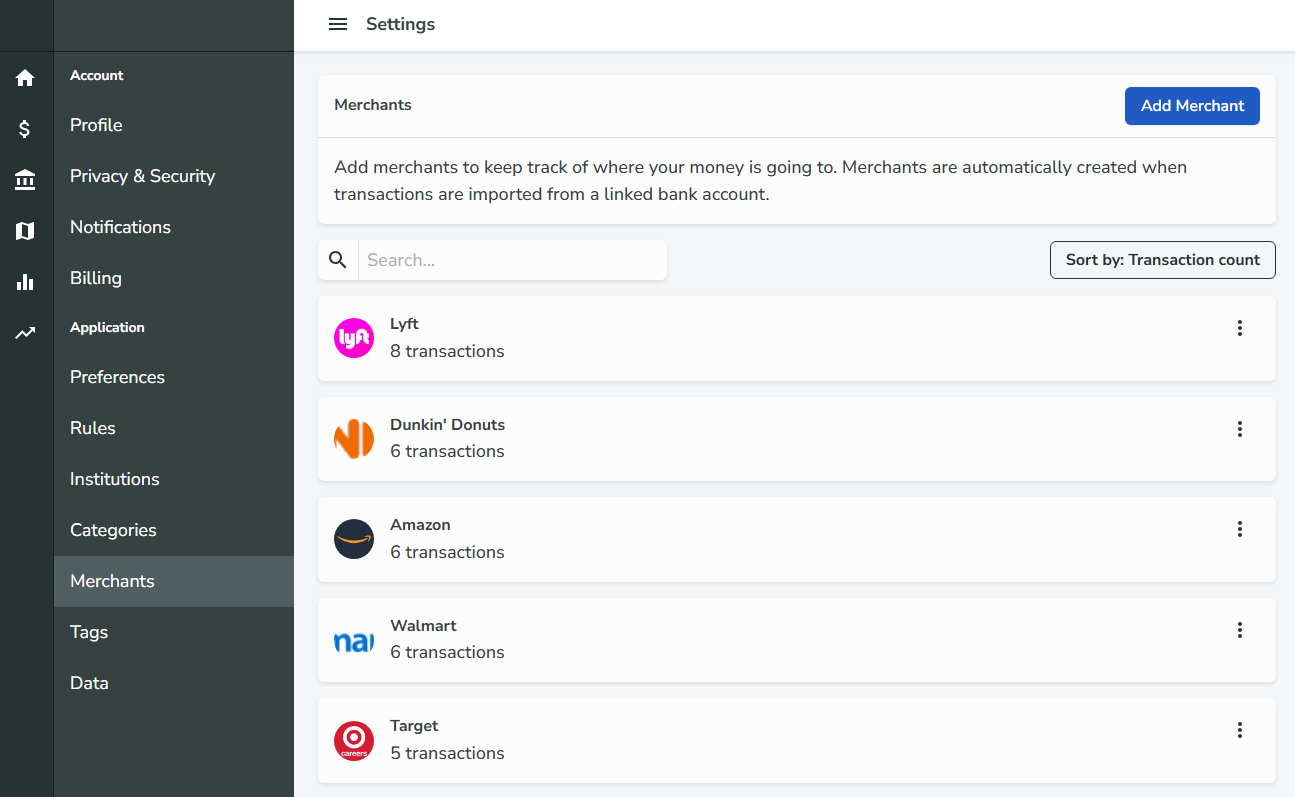
Manage merchants on the
Merchants page in Settings. Each merchant shows its logo, its name, and how many transactions it has.- Search by name, and sort the list alphabetically or by transaction count.
- Click Add Merchant to create one.
- Open a merchant's menu and choose Delete to remove it.
You can't rename a merchant yet.
Using merchants
- Filter transactions by merchant, or group the table by merchant.
- Rank merchants on a dashboard, like the Top merchants widget on the Home dashboard's Spending tab.
- Set a transaction's merchant with a rule.